Back to blog home
Best Visitor Management Systems for Business (2026)
by Team Rhombus, on June 16th, 2026
Physical SecurityOverview
Most visitor management tools store sign-in data in their own database, disconnected from your cameras, access control, and security alerts. Rhombus Guest is the only option built natively into a unified physical security platform, so guest check-ins land on the same console timeline as your video and access events. Hosts send email invites, pre-registered guests get an auto-filled kiosk, name tags print automatically, and security teams see real-time guest status. Already running Envoy? You can keep it and add Rhombus video intelligence through a native integration. This guide ranks five solutions for mid-market and enterprise security, IT, and facilities teams evaluating their options in 2026.
Why Paper Sign-In Logs No Longer Cut It
A paper logbook fails the moment a security director needs to act on it. Handwriting is illegible, entries get skipped, and anyone flipping through the binder can read every visitor’s name, company, and arrival time. None of that survives a compliance audit under GDPR, HIPAA, or ITAR, and none of it helps during an evacuation when you need an instant count of who is inside the building.
Digital visitor management software fixes the basics. It automates registration, runs self-service check-in at a kiosk, prints badges, notifies the host, and writes every entry and exit to a searchable log. You get accurate records without a front desk staffer transcribing names by hand.
Most standalone tools capture clean visitor data and leave it there — no link to your cameras, your access control, or your security alerts. A name in a database tells you someone signed in. It cannot show you which door they opened or where they walked once they passed the lobby.
The real evaluation question for 2026: can your system tell you not just who visited, but what they did on camera? This guide is for IT managers, facilities managers, and security directors deciding between a siloed sign-in app and a platform that connects visitor data to the rest of physical security.
What Is a Visitor Management System?
A visitor management system automates how you welcome, screen, badge, and track everyone who enters your facility. It replaces the clipboard and the front-desk sign-in sheet with software that captures visitor data, prints credentials, and keeps a searchable record of who came and went.
The standard workflow runs end to end. A host pre-registers a guest, the guest checks in at a kiosk on arrival, the system prints a badge and notifies the host, then logs the sign-out time on departure. Each step writes to an audit trail your compliance team can pull later.
Where systems diverge is integration. Standalone tools handle the sign-in flow and leave visitor records disconnected from cameras and access control. Integrated systems connect that data to your physical security stack, so a check-in event sits next to the video and door logs from the same moment.
Cloud-based deployment has become the default for most buyers. You get lower upfront cost, remote access, and a single dashboard across every site without a server room. For organizations under GDPR, HIPAA, CCPA, or ITAR, those digital logs are not optional. Auditors and incident investigators expect a clean record, and a paper binder rarely delivers one.
The 5 Best Visitor Management Systems for Business in 2026
These rankings weight four things above all else. We scored each tool on how deeply it connects to physical security infrastructure, how it handles compliance logging and badge printing, whether it scales cleanly across multiple sites, and how fast a team can deploy it. Rhombus Guest leads on native platform integration. The standalone tools that follow are ranked by feature depth and enterprise fit.
1. Rhombus Guest
Rhombus Guest is the only visitor management system on this list built directly into a unified physical security platform. Every guest check-in, badge print, and sign-out lands on the same Rhombus Console timeline as your camera footage and access events — one audit trail rather than separate logs in separate systems. For organizations already running Rhombus hardware, that shared timeline changes how quickly security teams can investigate an incident or pull records for a compliance review.
Quick Overview
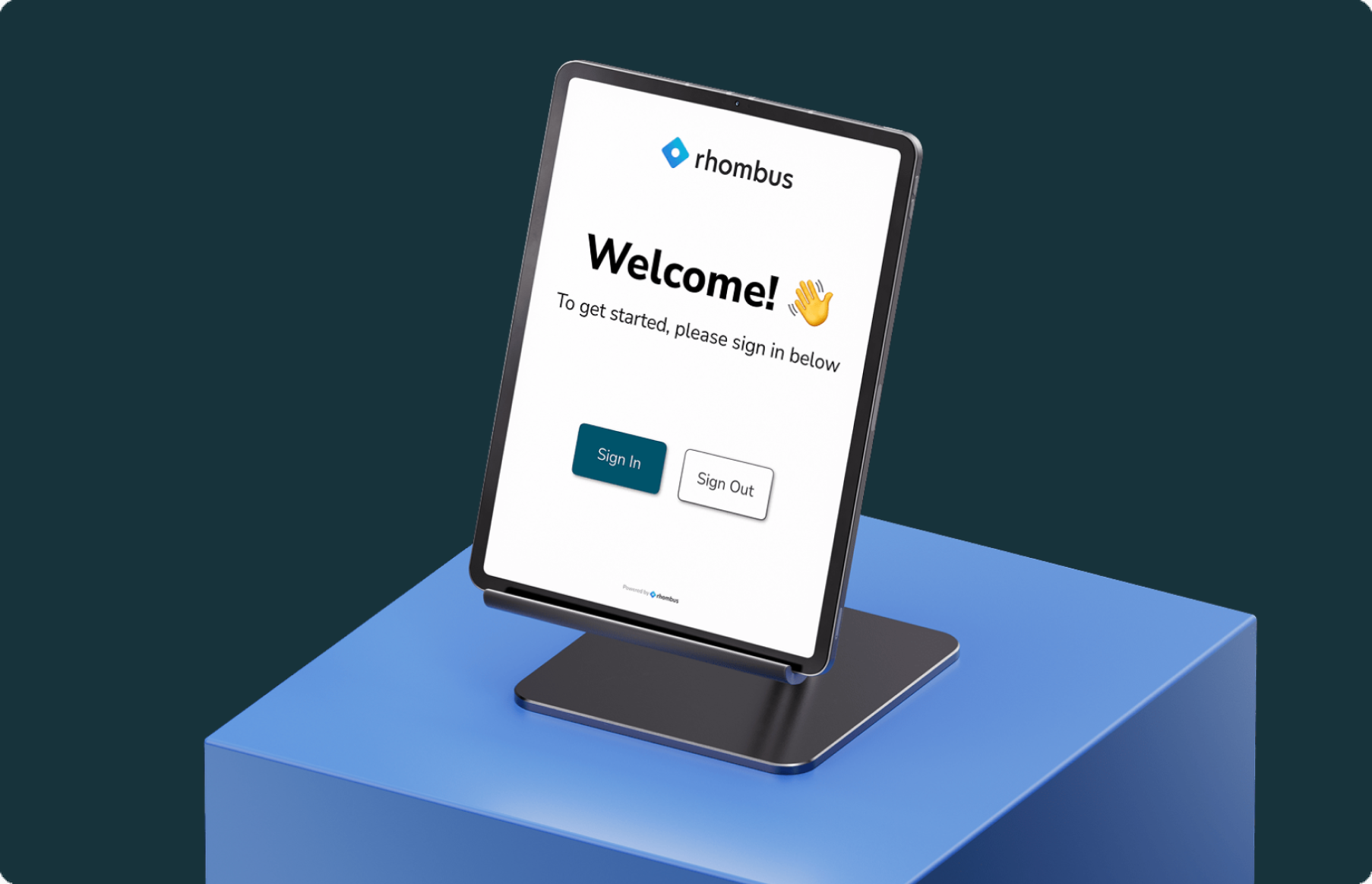
Rhombus Guest runs as a native module inside the broader Rhombus platform, not a separate app stitched on with a connector. The console timeline logs every guest entry and exit next to camera and sensor data, so a security director can pull the video clip tied to any visitor in seconds. Hosts send email invites straight from the console, and invited guests get an auto-filled kiosk sign-in when they arrive. Name tag printing fires automatically as part of that arrival flow. Rhombus states the product configures and deploys “in minutes.”
Best For
Rhombus Guest fits organizations already running Rhombus cameras and access control. If you want visitor management and physical security in one console rather than two vendors and two dashboards, Rhombus Guest is the most direct path to that.
Pros
- Email invites carry date, time, location, host name, and meeting type so guests arrive prepared
- Auto-filled kiosk sign-in removes manual data entry for anyone who was pre-registered
- Automated name tag printing runs inside the arrival workflow, not as a separate step
- Real-time guest status shows who is on property now plus visibility into upcoming appointments
- The console timeline gives security teams audit-ready compliance logs in a single pane of glass
- Native integration with Rhombus cameras, sensors, and access control needs no third-party connector
Cons
- Watchlist screening and custom NDA fields (document signing at check-in) are not detailed in public product documentation — confirm availability with sales if these are requirements
Pricing
Rhombus does not list public pricing for Guest. Contact sales for a quote tied to your site count and hardware. You can also request a demo to see the console timeline and kiosk workflow before committing.
2. Envoy Visitors
Envoy runs visitor management as one module inside a broader workplace platform that spans desk booking, deliveries, and mass notifications. The company reports operating across 16,000 locations globally, which gives it the widest enterprise footprint on this list. Buyers in regulated industries gravitate to Envoy because its visitor workflows carry explicit compliance support and its open API connects to most existing security and calendar stacks.
Quick Overview
Envoy Visitors handles screening, check-in, and audit-ready records as part of a platform that also covers reservations, mailroom, and emergency alerts. The company claims support for compliance with ITAR, EAR, OFAC, and C-TPAT regulations, the export-control and supply-chain rules that govern defense, aerospace, and manufacturing facilities. Envoy lists more than 100 integrations through its open API, including access control and calendar systems. It also markets multi-tenant visitor management as a distinct capability for shared or multi-landlord buildings.
Best For
Pick Envoy if you run a mid-market or enterprise operation in a regulated industry and need compliance-grade visitor workflows that slot into a wider workplace platform. Defense contractors, pharma firms, and manufacturers fit the profile most directly.
Pros
- Compliance coverage spanning ITAR, EAR, OFAC, and C-TPAT for regulated facilities
- Audit-ready records backed by single sign-on and detailed activity logs
- More than 100 integrations through a documented open API
- Native Rhombus integration that captures sign-in events as video clips and marks them on the Rhombus timeline, so your security team pulls visitor footage in seconds instead of scrubbing recordings by hand
Cons
- Visitor records stay disconnected from your cameras and access control unless you activate the Rhombus integration. On its own, Envoy tells you who signed in but not what the cameras saw.
- Envoy publishes no pricing. You contact sales for a quote.
The Rhombus integration removes the silo problem for Envoy customers who already own Rhombus cameras. Keep your existing sign-in process and layer video intelligence underneath it.
Pricing
Envoy does not publish plan names or per-location pricing. Contact Envoy sales for a quote tied to your location count and module mix.
3. Sign In Solutions (formerly Traction Guest)
Sign In Solutions carries the most rebrand history of any tool on this list. It started as Traction Guest, became Sign In Enterprise, and now operates as Sign In Solutions. The product targets large enterprises that need to enforce visitor policy across many locations and prove compliance during audits.
Quick Overview
Sign In Solutions structures its product around a five-phase visitor journey it calls Prepare, Arrive, Engage, Depart, and Review. That framework covers pre-visit document upload, risk scoring, kiosk and QR sign-in, badge printing, host notifications, and emergency evacuation support. The company markets the platform explicitly for enterprise complexity and global scale, with named verticals across Aerospace and Defense, Government, Manufacturing, Pharmaceuticals, and Technology.
Best For
Pick Sign In Solutions if you run a regulated enterprise with multiple sites and a hard requirement for formal compliance certification. The five-phase model fits organizations that treat each visit as a governed process with approvals, documentation, and sign-out tracking.
Pros
The compliance story is the strongest part of this product. Sign In Solutions lists SOC2 Type II, ISO27001, EU GDPR, and California CCPA certifications, which matters for audit-heavy industries. Hosts receive arrival alerts through Teams, Slack, SMS, and email. The platform also supports emergency evacuation with a real-time on-premises view of everyone signed in.
Cons
Sign In Solutions documents no named camera or video surveillance integration on its public site. Access control appears as an integration category, but the company names no specific hardware partners, so you cannot confirm what your readers will connect to before a sales call. Visitor events stay in the visitor system rather than feeding a unified security console. Pricing is not disclosed publicly.
Pricing
Sign In Solutions does not publish pricing. You contact sales to scope a quote based on locations, modules, and compliance requirements.
4. Eptura Visitor (formerly Proxyclick)
Proxyclick became Eptura Visitor in 2025 and now ships as one module inside Eptura’s integrated workplace management system (IWMS). The product no longer stands alone. You adopt it as part of a suite that also covers asset, engagement, and space management.
Quick Overview
Eptura folds visitor management into a broader workplace platform that also runs Asset, Engage, and Workplace modules. The company positions itself as a Leader in the Gartner Magic Quadrant for Workplace Experience Applications. Eptura reports that more than 40% of Fortune 500 companies use its products. Visitor check-in, building security, and integration with existing tools are the named visitor capabilities.
Best For
Eptura Visitor fits organizations already evaluating or running an IWMS who want visitor management bundled with space and asset management in one vendor relationship. If you are consolidating facilities software and treat visitor sign-in as a feature of a larger workplace suite, the packaging works in your favor.
Pros
Gartner recognition gives Eptura enterprise credibility that smaller standalone tools cannot match. The platform serves a wide range of industries, including Government, Healthcare, Manufacturing, and Education. Eptura’s documentation describes connecting Visitor with your existing systems and tools.
Cons
You cannot buy Eptura Visitor on its own, which rules it out if you want a focused visitor management product without the rest of the suite. Based on the publicly available product page, Eptura names no camera, access control, or physical security integration partners. Specific feature details such as badge printing and watchlist screening are not documented publicly, so confirm those directly with Eptura before you commit.
Pricing
Eptura does not publish pricing. Contact their sales team for a quote, and ask whether visitor management can be priced separately from the full IWMS suite.
5. SwipedOn
SwipedOn serves the value-conscious end of the market, running across 9,000 workplaces in more than 70 countries. The platform bundles visitor sign-in with employee sign-in, desk and resource booking, contractor management, and deliveries into one product. SwipedOn and Sign In App have merged, and the combined platform is not yet live, so buyers should weigh near-term roadmap uncertainty.
Quick Overview
SwipedOn runs across 9,000 workplaces in over 70 countries. The core product spans visitor management, employee sign-in, desk and resource booking, contractor management, and deliveries. Optional paid add-ons cover Visitor Preboarding, Deliveries, and SMS. SwipedOn and Sign In App have joined forces, but the combined platform has not launched as of this writing.
Best For
Pick SwipedOn if you run an SMB or mid-market organization that wants a cost-accessible workplace sign-in tool with multiple modules under one roof. You get visitor, employee, and resource booking in a single subscription without committing to enterprise-tier pricing.
Pros
- Broad geographic deployment across more than 70 countries
- Live digital roll call gives you a real-time headcount during emergency evacuations
- Customizable sign-in flows with data handling built for audit-ready records
Cons
- No named integration with cameras, access control, or security alert platforms, so visitor data stays separate from your physical security stack
- SMS, Preboarding, and Deliveries are priced as separate add-ons, which raises total cost beyond the base plan
- The pending SwipedOn and Sign In App merger leaves the combined product roadmap unsettled for now
Pricing
SwipedOn offers tiered plans and a free trial. Specific tier pricing is not published, so contact sales for details on which plan fits your headcount and module needs.
Visitor Management Systems: Feature Comparison
The table below summarizes how the five systems compare on the features that decide most mid-market and enterprise deals. Native camera integration is the line that separates Rhombus Guest from every standalone tool here. Compliance and pricing notations reflect what each vendor publicly documents.
| Tool | Native Camera Integration | Badge Printing | Pre-Registration | Host Notifications | Compliance Logging | Multi-Site | Pricing |
|---|---|---|---|---|---|---|---|
| Rhombus Guest | ✅ | ✅ | ✅ | ✅ | ✅ | ✅ | Contact Sales |
| Envoy Visitors | Via Rhombus | ✅ | ✅ | ✅ | ✅ | ✅ | Contact Sales |
| Sign In Solutions | ❌ | ✅ | ✅ | ✅ | ✅ | ✅ | Contact Sales |
| Eptura Visitor | ❌ | Not documented | Not documented | ✅ | ✅ | ✅ | Contact Sales |
| SwipedOn | ❌ | ✅ | Add-on | ✅ | ✅ | ✅ | Free trial / Contact Sales |
Camera integration and pricing aside, the standalone tools converge on a similar feature set. The difference shows up in how visitor events connect to the rest of your security stack.
Visitor Management for Schools: The Rhombus + Visitor Aware Integration
K-12 districts face a visitor problem most office VMS tools never address. Cars stack up in the pickup line, unknown vehicles roll onto campus, and front-office staff verify guests by hand. Visitor Aware, a product by Singlewire, pairs its campus visitor management platform with Rhombus license plate recognition to handle all three at the gate.
Rhombus cameras read the license plate of an arriving guardian and trigger the student pickup workflow automatically, so staff know which student to release before the car reaches the curb. When a flagged plate enters campus, the integration fires an automated security alert to the right people. Approved guests get validated at entry through their plate, which trims manual sign-in at the front desk.
Rhombus lists Visitor Aware under both Guest Management and School Safety in its integration directory, which reflects the dual job it does for districts. The integration runs on Rhombus camera hardware and targets K-12 school districts specifically. For schools already on Rhombus cameras, the LPR capability is the piece that makes it work.
What to Look for in a Visitor Management System
Score every system against the same criteria your IT, facilities, and security teams will live with after rollout. The features that matter at a single front desk look different across twenty locations.
Digital check-in. Look for tablet or kiosk self-service, contactless options, and photo capture at arrival. The kiosk experience sets the tone for every guest who walks in.
Badge printing. Badges need to distinguish visitor types and access levels, and some compliance standards require them outright. Color-coded and photo-printed badges make guests identifiable as they move through the building.
Pre-registration. Advance data collection lets you run background checks and send safety documents before a visitor arrives. High-security sites depend on knowing who is coming before they reach the door.
Host notifications. Automated SMS, email, or app alerts let hosts greet guests promptly and coordinate access. Real-time alerts for unapproved or unexpected visitors speed up your security response.
Compliance logging. Audit-ready digital logs cover GDPR, HIPAA, CCPA, and ITAR requirements, and they prove invaluable during investigations or lockdowns. NDA and waiver signing at check-in is a strong plus for regulated environments.
Physical security integration. Ask the question that separates the field. Does the system connect natively to your cameras, access control, and security alerts, or does it run in a silo with no view of what a visitor actually did?
Cloud vs. on-premises. Cloud is the current standard for multi-site flexibility, automatic updates, and lower IT burden. On-premises gives you more control at the cost of manual installation.
Multi-site scalability. A centralized dashboard should enforce uniform policy across every location from one view.
Pricing model. Compare subscription against one-time license, and watch for add-on costs and breakage fees as you scale.
See how a platform-native system handles all nine. Request a demo.
Why Rhombus Guest Leads This Category
Standalone visitor management tools collect a sign-in record and stop there. They rarely connect that record to the cameras, access control, and alerts that tell you what actually happened. Rhombus Guest closes that gap inside one platform, with no third-party connector to build or maintain.
The Rhombus Console timeline logs every guest entry and exit next to the matching video clip and access event. Your security team pulls footage for any visitor in seconds instead of cross-referencing two systems. Email invites, auto-filled kiosk sign-in, and automated name tag printing keep the front desk fast while the audit trail stays complete.
You do not have to rip out an existing tool to get this. Organizations running Envoy can keep it and layer Rhombus video intelligence on top through the native integration, so sign-in events become marked clips on the timeline. Closed-ecosystem competitors make you choose. Rhombus lets you build native or bridge what you already have.
Request a demo to see the unified console in action.
How We Chose the Best Visitor Management Systems
We ranked each system against the criteria that mid-market and enterprise buyers actually weigh, then scored them on depth rather than feature checklists.
- Digital check-in depth. We looked at kiosk experience, pre-registration, auto-fill for invited guests, and contactless options.
- Badge printing. We checked whether each tool distinguishes visitor types and access levels, and whether printed badges satisfy compliance requirements.
- Physical security integration. We scored native connectivity to cameras, access control, and security alerts, not just generic API claims.
- Compliance coverage. We reviewed support for GDPR, HIPAA, CCPA, ITAR, SOC 2, and ISO 27001 where vendors publicly document it.
- Multi-site scalability. We assessed centralized dashboards and uniform policy enforcement across locations.
- Pricing transparency. We weighed published pricing and total cost of ownership, including add-on fees and breakage costs at scale.
- Deployment simplicity. We considered setup time, IT overhead, and hardware requirements.
Rhombus authored this comparison. All competitor claims draw from publicly available documentation. Trademarks belong to their respective owners.
Frequently Asked Questions
What is a visitor management system?
- A VMS digitally automates visitor registration, check-in, badging, and logging.
- It replaces paper sign-in logs with searchable, audit-ready digital records.
- Systems range from standalone sign-in apps to modules integrated with cameras and access control.
How do I choose the right visitor management system?
- Start with physical security integration, compliance logging, and multi-site scalability as your core criteria.
- Evaluate whether the system connects natively to your cameras and access control, or operates as a standalone silo.
- Factor in total cost: base subscription, add-on fees, setup time, and hardware requirements at your site count.
Is Rhombus Guest better than Envoy?
- Rhombus Guest is natively integrated with cameras and access control; Envoy is a standalone workplace platform.
- Envoy covers a broader set of workplace modules (desk booking, deliveries, mass notifications) beyond visitor management.
- Organizations already on Envoy can add Rhombus video intelligence through the native integration rather than switching tools.
How does visitor management relate to physical access control?
- A VMS manages who arrives; access control manages where they go.
- Rhombus ties both into one console with a shared event timeline.
- Most standalone VMS tools leave these two systems disconnected.
What compliance regulations apply to visitor management?
- GDPR, HIPAA, CCPA, ITAR, and OFAC govern visitor data in regulated industries.
- The Rhombus Guest console timeline provides audit-ready logs for compliance teams.
- Pre-registration enables document delivery and NDA workflows before arrival.
How quickly can Rhombus Guest be set up?
- Rhombus states the product configures “in minutes.”
- Email invites and kiosk auto-fill activate immediately after setup.
- The product needs no complex IT infrastructure beyond existing Rhombus hardware.
What is the best alternative to Envoy for enterprise visitor management?
- Sign In Solutions is the strongest alternative for regulated enterprises needing formal compliance certifications (SOC 2, ISO 27001, ITAR).
- Rhombus Guest is the better fit for organizations that want visitor management tied directly to cameras and access control in one platform.
- The choice depends on whether your priority is compliance workflow depth or physical security integration.
%20--%3e%3csvg%20version='1.1'%20id='Layer_1'%20xmlns='http://www.w3.org/2000/svg'%20xmlns:xlink='http://www.w3.org/1999/xlink'%20x='0px'%20y='0px'%20viewBox='0%200%20110%20110'%20style='enable-background:new%200%200%20110%20110;'%20xml:space='preserve'%3e%3cstyle%20type='text/css'%3e%20.st0{fill:url(%23SVGID_1_);}%20%3c/style%3e%3cg%3e%3clinearGradient%20id='SVGID_1_'%20gradientUnits='userSpaceOnUse'%20x1='25.325'%20y1='766.725'%20x2='84.725'%20y2='707.325'%20gradientTransform='matrix(1%200%200%201%200%20-682)'%3e%3cstop%20offset='0'%20style='stop-color:%23006F94'/%3e%3cstop%20offset='1'%20style='stop-color:%2300C1DE'/%3e%3c/linearGradient%3e%3cpath%20class='st0'%20d='M106.9,47.5L62.5,3.1c-4.1-4.1-10.9-4.1-15,0L3.1,47.5c-4.1,4.1-4.1,10.9,0,15l44.4,44.4%20c4.2,4.2,10.9,4.2,15.1,0L107,62.5C111,58.4,111,51.6,106.9,47.5z%20M55.5,71.2c-9.4,0.3-17-7.3-16.7-16.7C39.1,46,46,39.1,54.5,38.8%20c9.3-0.3,17,7.3,16.7,16.7C70.9,64,64,70.9,55.5,71.2z'/%3e%3c/g%3e%3c/svg%3e)
Related Articles